Booking a workshop on recorder-ed.com takes just a few minutes. Here's how.
---
How to Book
1. Find a Workshop
Browse all upcoming workshops from the "Workshops" link in the main menu. You can filter by category, difficulty, or price, or use the search box to find a specific topic.
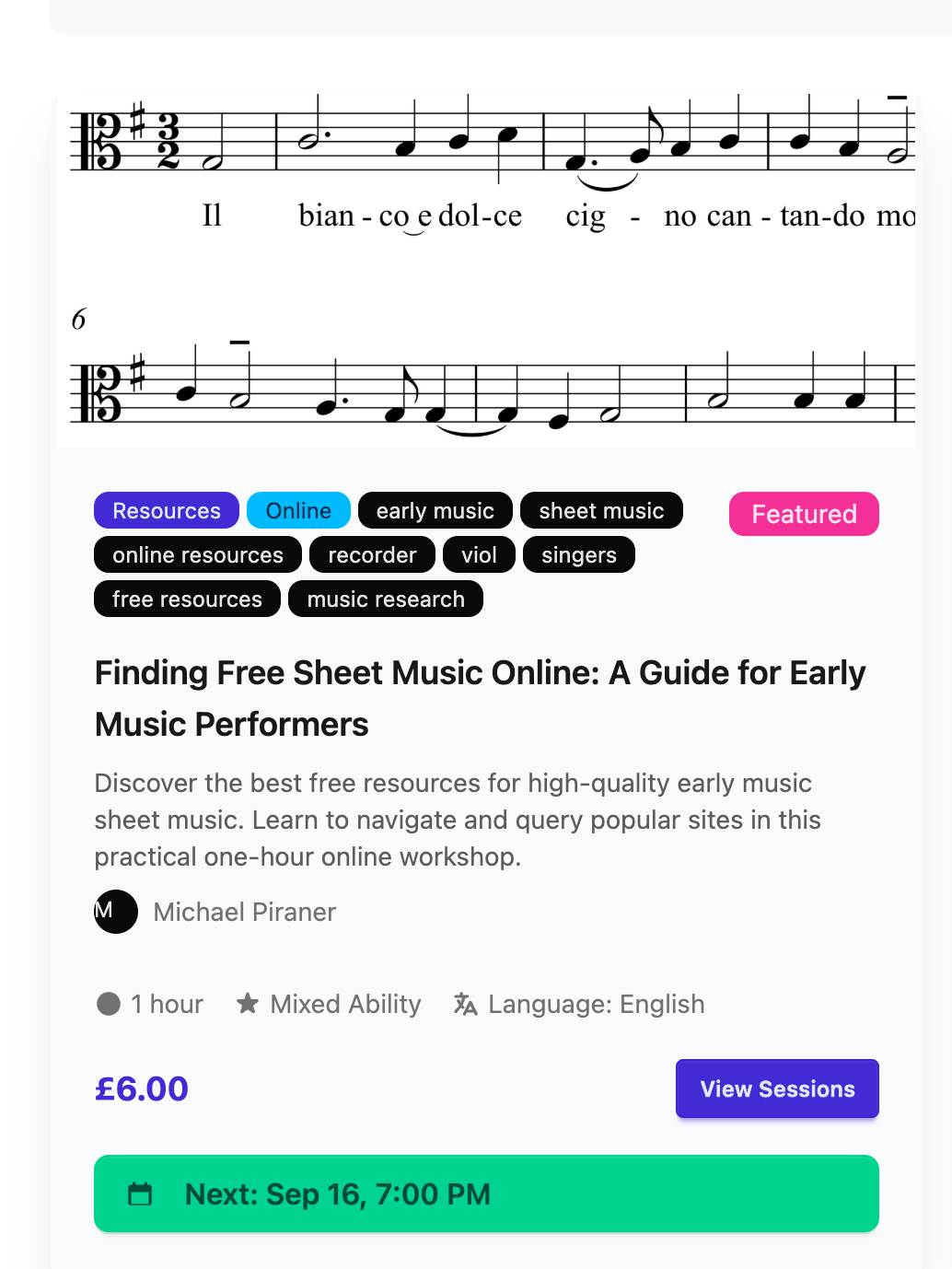
2. Open the Workshop Page
Click on a workshop to see full details — the description, learning objectives, price, and available session dates and times.
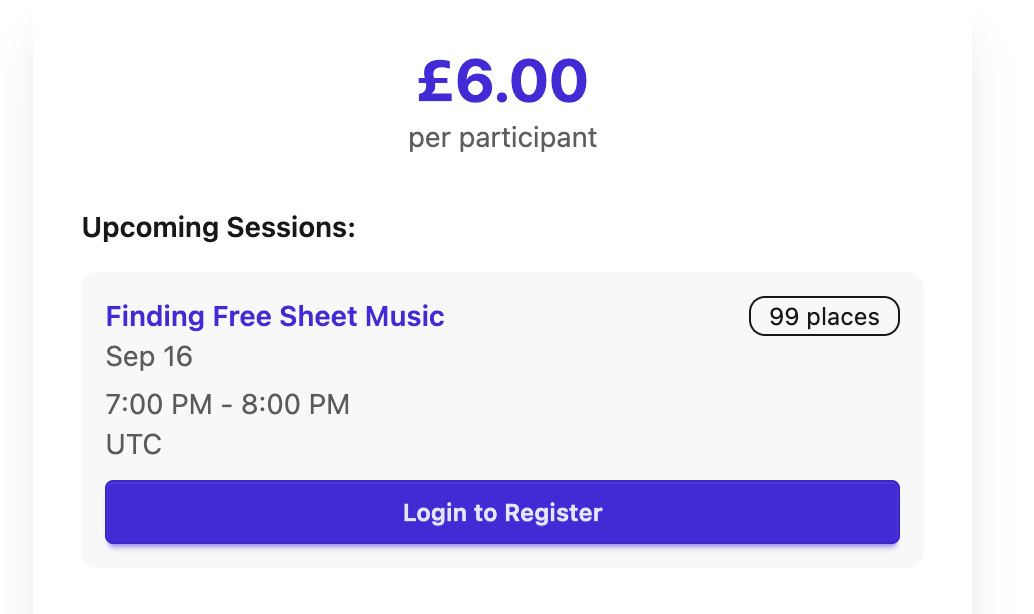
3. Sign In or Create an Account
If you're not already signed in, you'll see a "Login to Register" button instead of a booking option. Click it to sign in, or create a free account if you're new — you'll be brought straight back to the workshop page afterwards.
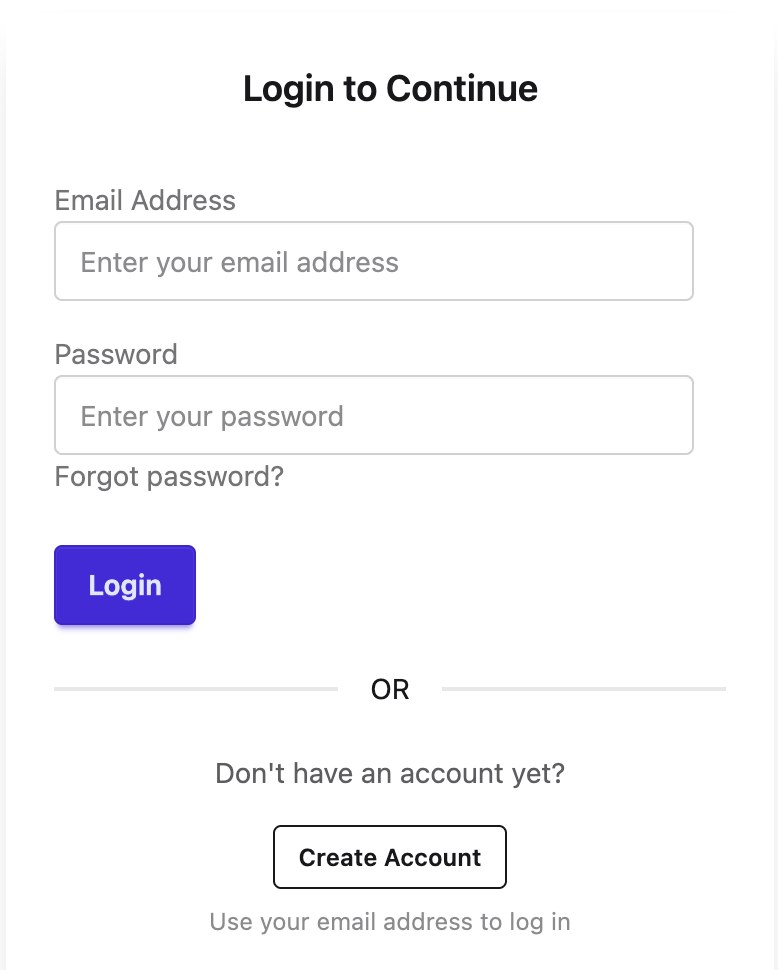
4. Choose Your Session
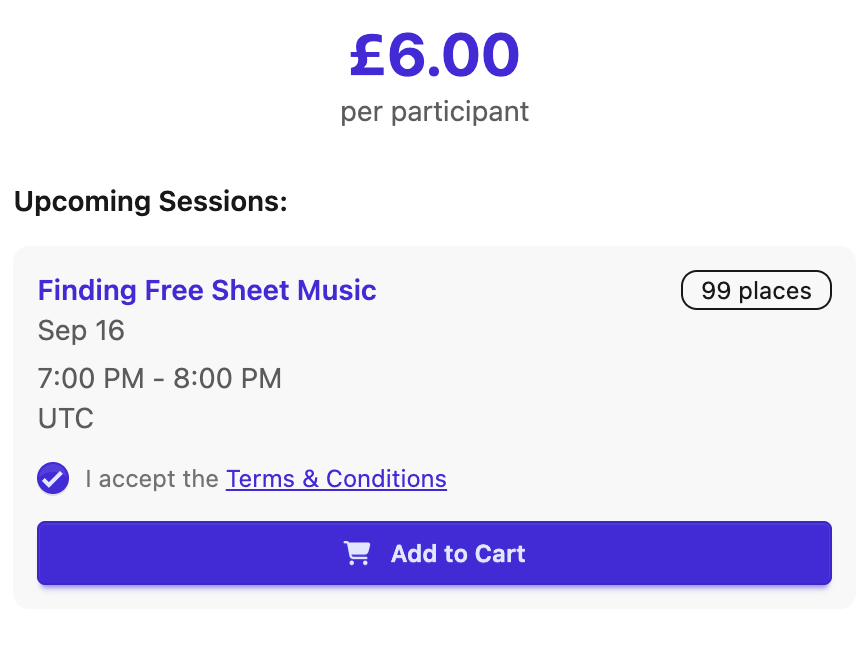
Pick the session date/time that suits you, tick the box to accept the Terms & Conditions, then click "Add to Cart".
5. Review Your Cart
Click the cart icon in the top menu to review your booking. You can add other workshops here too before checking out.
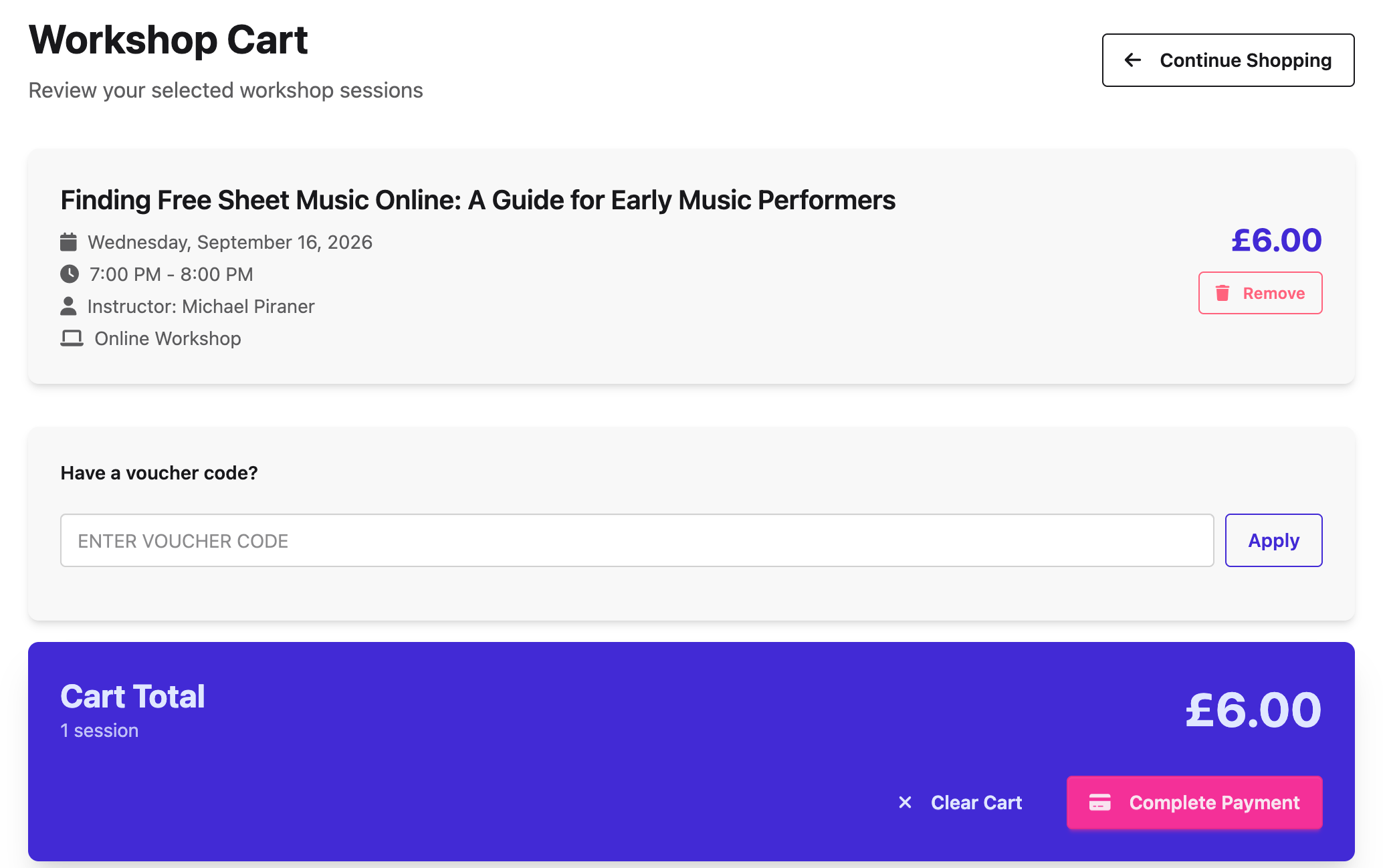
6. Complete Payment
Click "Complete Payment" to pay securely by card. If the workshop is free, or you have a voucher code that covers the full price, this step is skipped automatically.
---
✅ You're Booked!
Once payment is complete, you'll see a confirmation page and receive a confirmation email with the joining details. You can view all your upcoming and past workshops any time from "My Workshops" in your account menu.
📚 See the article: Booking an In-Person Workshop
📚 See the article: Booking a Workshop for Your Child (Guardians)
Was this article helpful?